# Quickstart guides

These guides will help you get started with CARTO. They're easy to follow with detailed steps, and will help you kickstart your project with your own connections, maps, workflows, and applications.

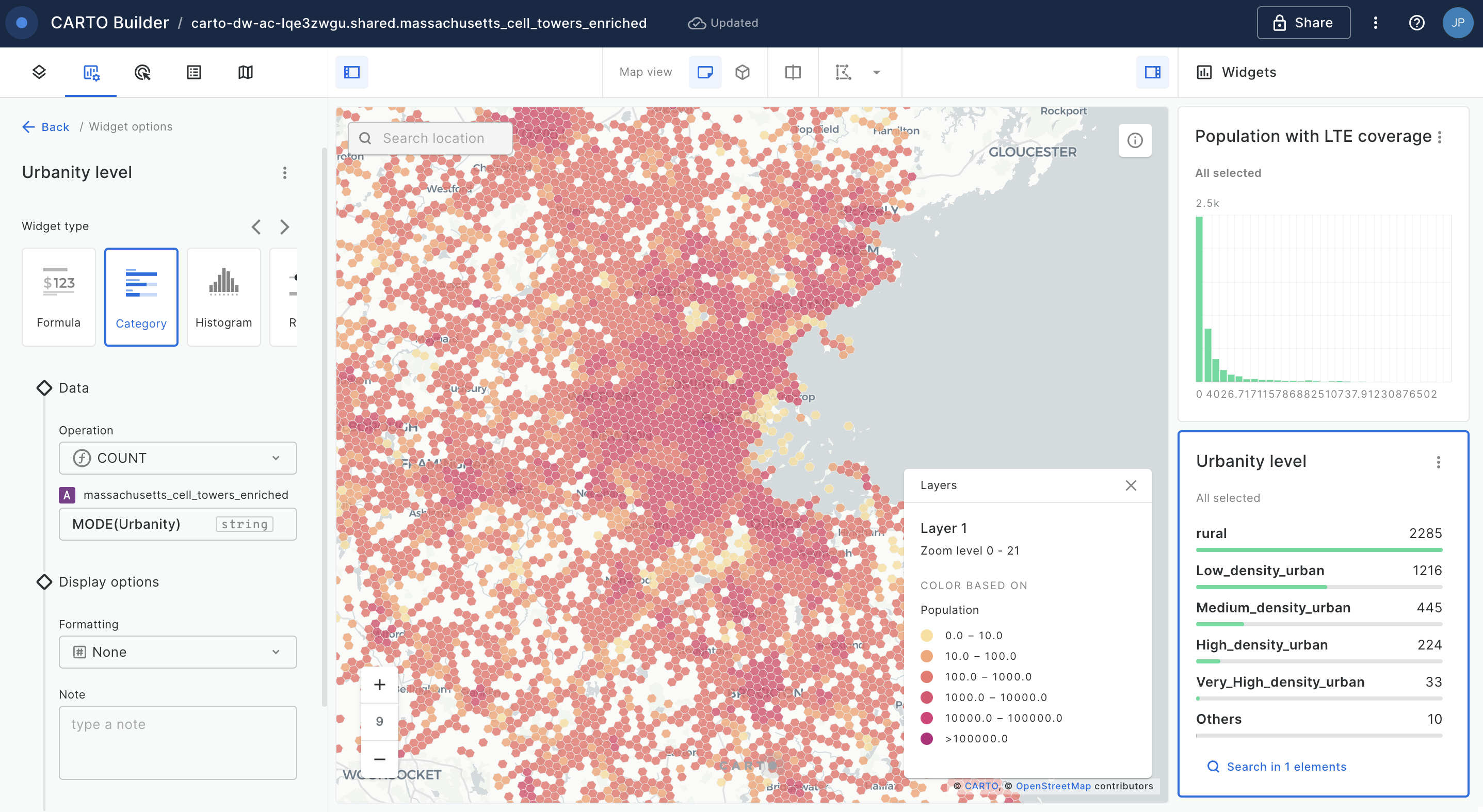
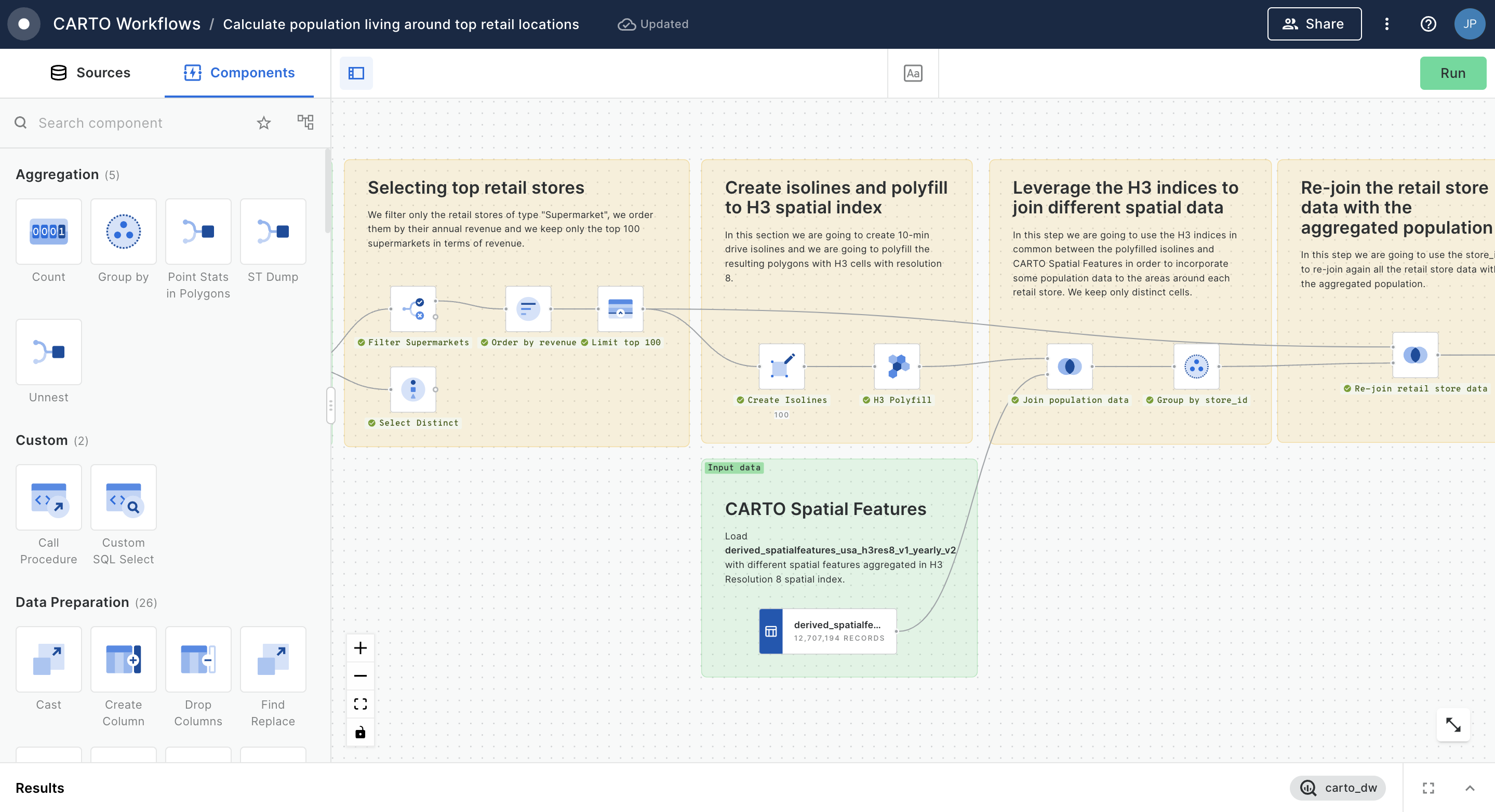
<table data-card-size="large" data-view="cards"><thead><tr><th></th><th></th><th>Featuring</th><th data-hidden data-card-target data-type="content-ref"></th><th data-hidden data-type="content-ref"></th><th data-hidden data-card-cover data-type="image">Cover image</th></tr></thead><tbody><tr><td><strong>Connecting to your data</strong></td><td>Learn how to connect CARTO to your own cloud data warehouse and how to easily import your local geospatial files.</td><td><a href="../carto-user-manual/connections">CARTO Workspace</a></td><td><a href="quickstart-guides/connecting-to-your-data">connecting-to-your-data</a></td><td></td><td><a href="https://3029946802-files.gitbook.io/~/files/v0/b/gitbook-x-prod.appspot.com/o/spaces%2FybPdpmLltPkzGFvz7m8A%2Fuploads%2FeXQ6zMjfBCTOKtP33qD4%2FConnections%20(1).png?alt=media&#x26;token=6bf5244f-dd72-4700-ac49-9ed26304144a">Connections (1).png</a></td></tr><tr><td><strong>Creating your first map</strong></td><td>Create interactive dashboards and web maps with your geospatial data using our map-making tool, CARTO Builder.</td><td><a href="../carto-user-manual/maps">CARTO Builder</a></td><td><a href="quickstart-guides/creating-your-first-map">creating-your-first-map</a></td><td></td><td><a href="https://3029946802-files.gitbook.io/~/files/v0/b/gitbook-x-prod.appspot.com/o/spaces%2FybPdpmLltPkzGFvz7m8A%2Fuploads%2Fgit-blob-bcd83963b7c0f2c40b7d7adccf338cb753922406%2F25.png?alt=media">25.png</a></td></tr><tr><td><strong>Creating your first workflow</strong></td><td>Learn how to use CARTO to build spatial analysis and data preparation workflows with our visual model builder.</td><td><a href="../carto-user-manual/workflows">CARTO Workflows</a></td><td><a href="quickstart-guides/creating-your-first-workflow">creating-your-first-workflow</a></td><td></td><td><a href="https://3029946802-files.gitbook.io/~/files/v0/b/gitbook-x-prod.appspot.com/o/spaces%2FybPdpmLltPkzGFvz7m8A%2Fuploads%2Fgit-blob-8642d06fdae8e54824c23867b36733c3f476bae8%2FCaptura%20de%20pantalla%202023-09-18%20a%20las%2013.24.45.png?alt=media">Captura de pantalla 2023-09-18 a las 13.24.45.png</a></td></tr><tr><td><strong>Developing your first application</strong></td><td>Build a public application with CARTO + deck.gl and learn how to create powerful geospatial apps faster than ever.</td><td><a href="https://github.com/CartoDB/gitbook-documentation/blob/master/carto-for-developers/key-concepts/carto-for-deck.gl">CARTO + deck.gl</a></td><td><a href="quickstart-guides/developing-your-first-application">developing-your-first-application</a></td><td><a href="https://github.com/CartoDB/gitbook-documentation/blob/master/getting-started/quickstart-guides/broken-reference/README.md">https://github.com/CartoDB/gitbook-documentation/blob/master/getting-started/quickstart-guides/broken-reference/README.md</a></td><td><a href="https://3029946802-files.gitbook.io/~/files/v0/b/gitbook-x-prod.appspot.com/o/spaces%2FybPdpmLltPkzGFvz7m8A%2Fuploads%2Fgit-blob-eeaec530d93a37bcd2e99b8819c5a02a9d018cb9%2FDevelopment.png?alt=media">Development.png</a></td></tr></tbody></table>


---

# Agent Instructions: Querying This Documentation

If you need additional information that is not directly available in this page, you can query the documentation dynamically by asking a question.

Perform an HTTP GET request on the current page URL with the `ask` query parameter:

```
GET https://docs.carto.com/getting-started/quickstart-guides.md?ask=<question>
```

The question should be specific, self-contained, and written in natural language.
The response will contain a direct answer to the question and relevant excerpts and sources from the documentation.

Use this mechanism when the answer is not explicitly present in the current page, you need clarification or additional context, or you want to retrieve related documentation sections.