# Guides

After you've become familiar with the [key concepts](/carto-for-developers/key-concepts.md) of CARTO for Developers, and after your first experiments with [CARTO + deck.gl](https://github.com/CartoDB/gitbook-documentation/blob/master/carto-for-developers/key-concepts/carto-for-deck.gl) and our [APIs](https://api-docs.carto.com), it's time to build complete solutions.

To help you design your solution and understand how the different pieces work together, we've build these complete **guides,** based on real use cases:

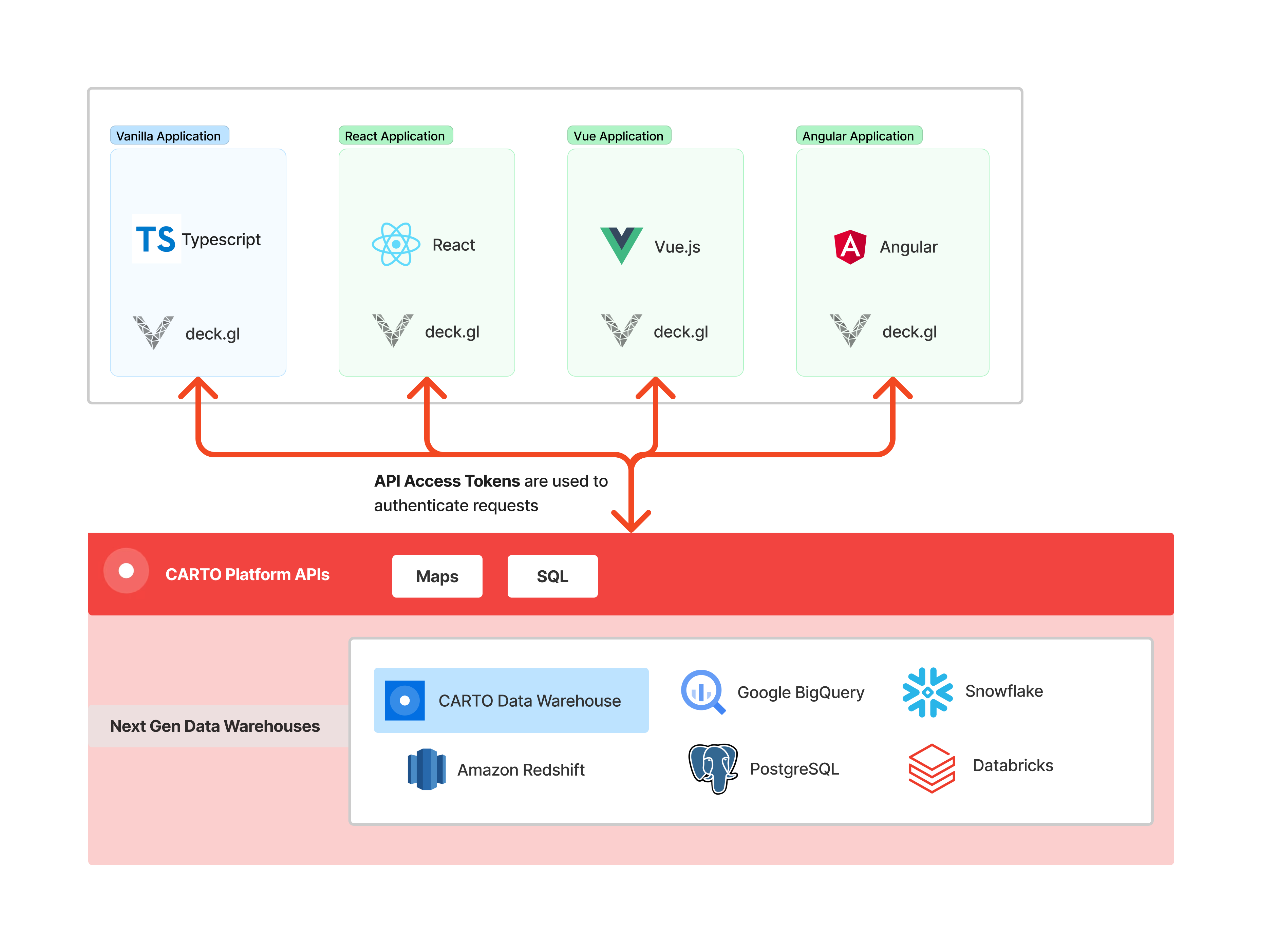
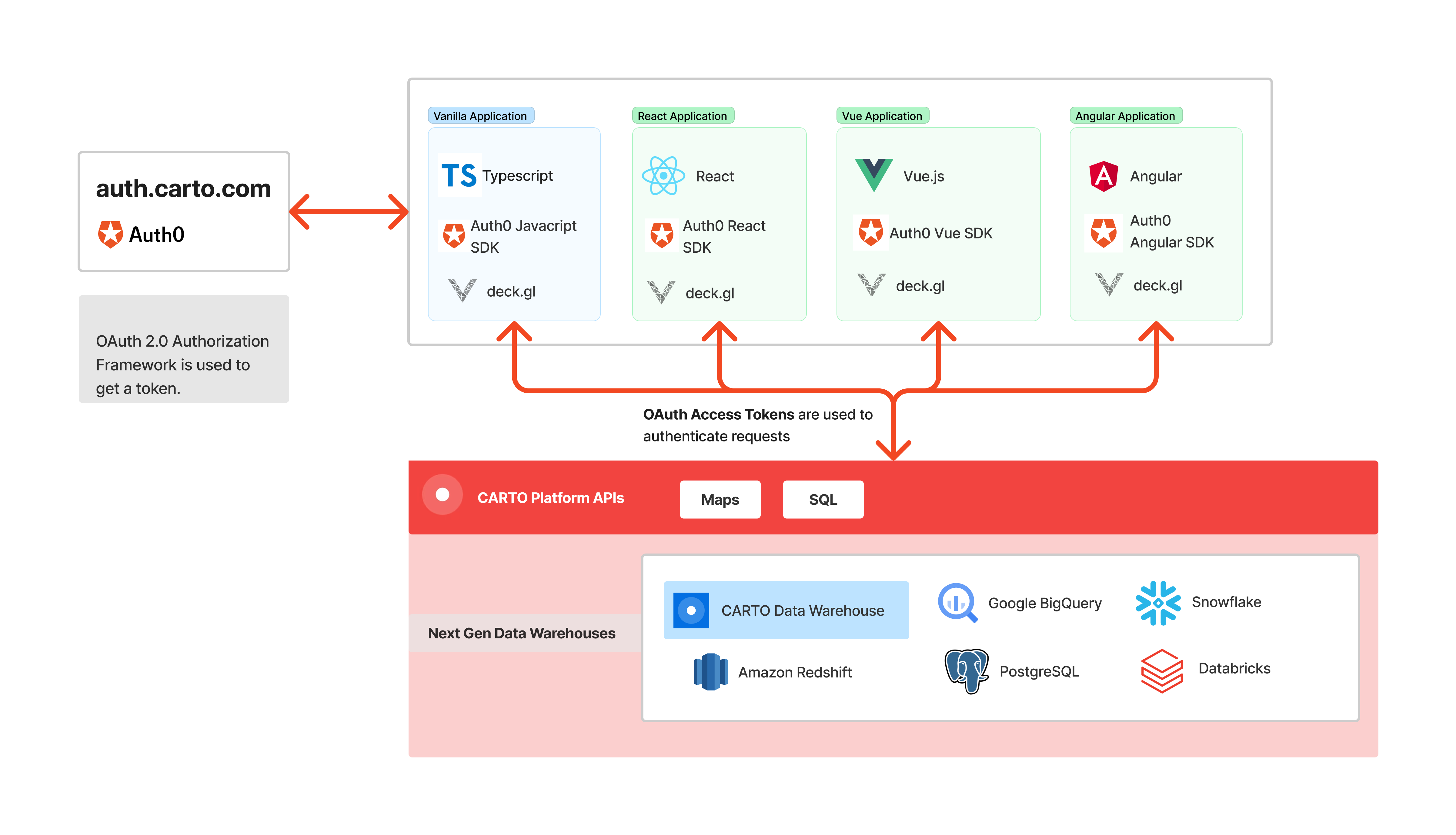
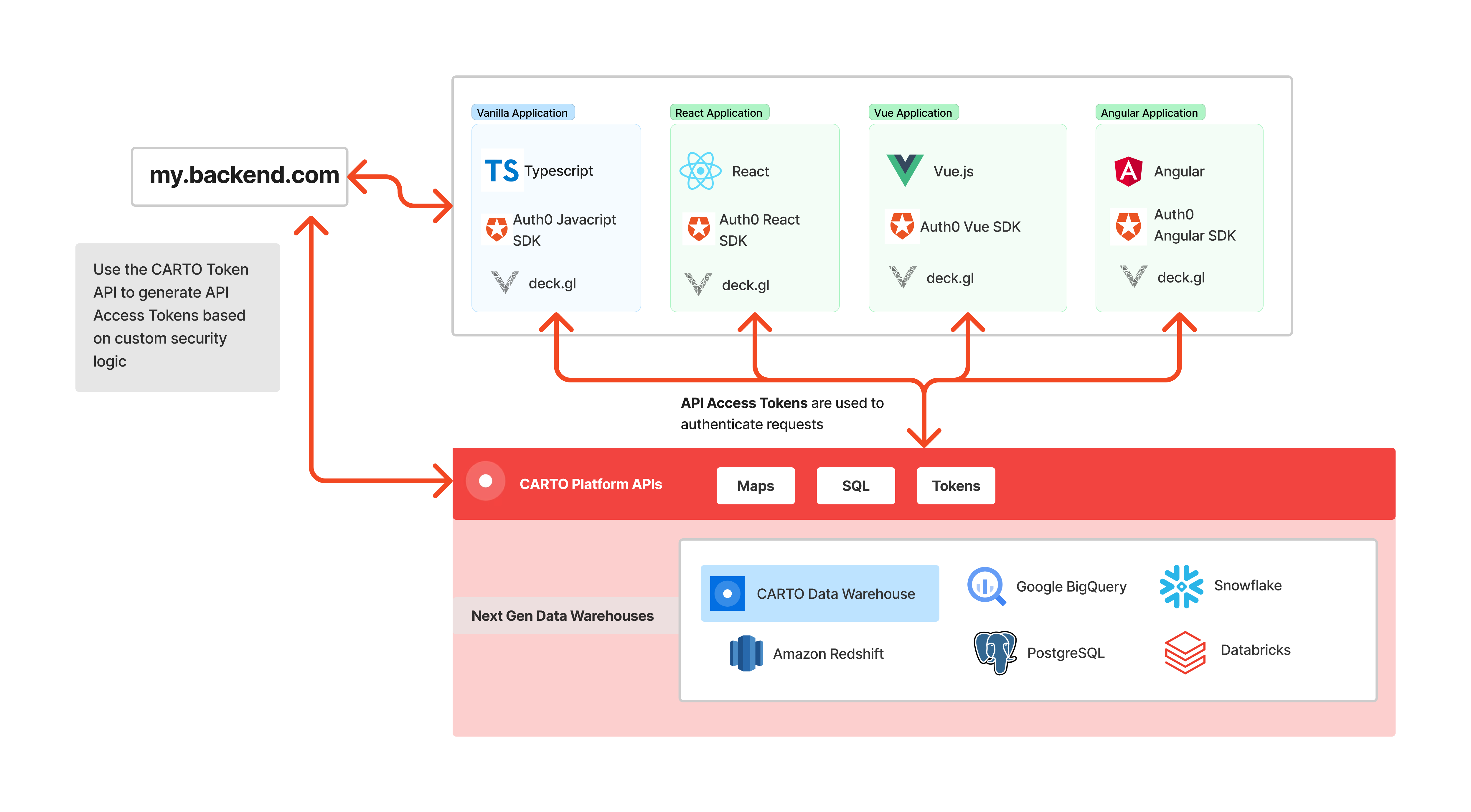
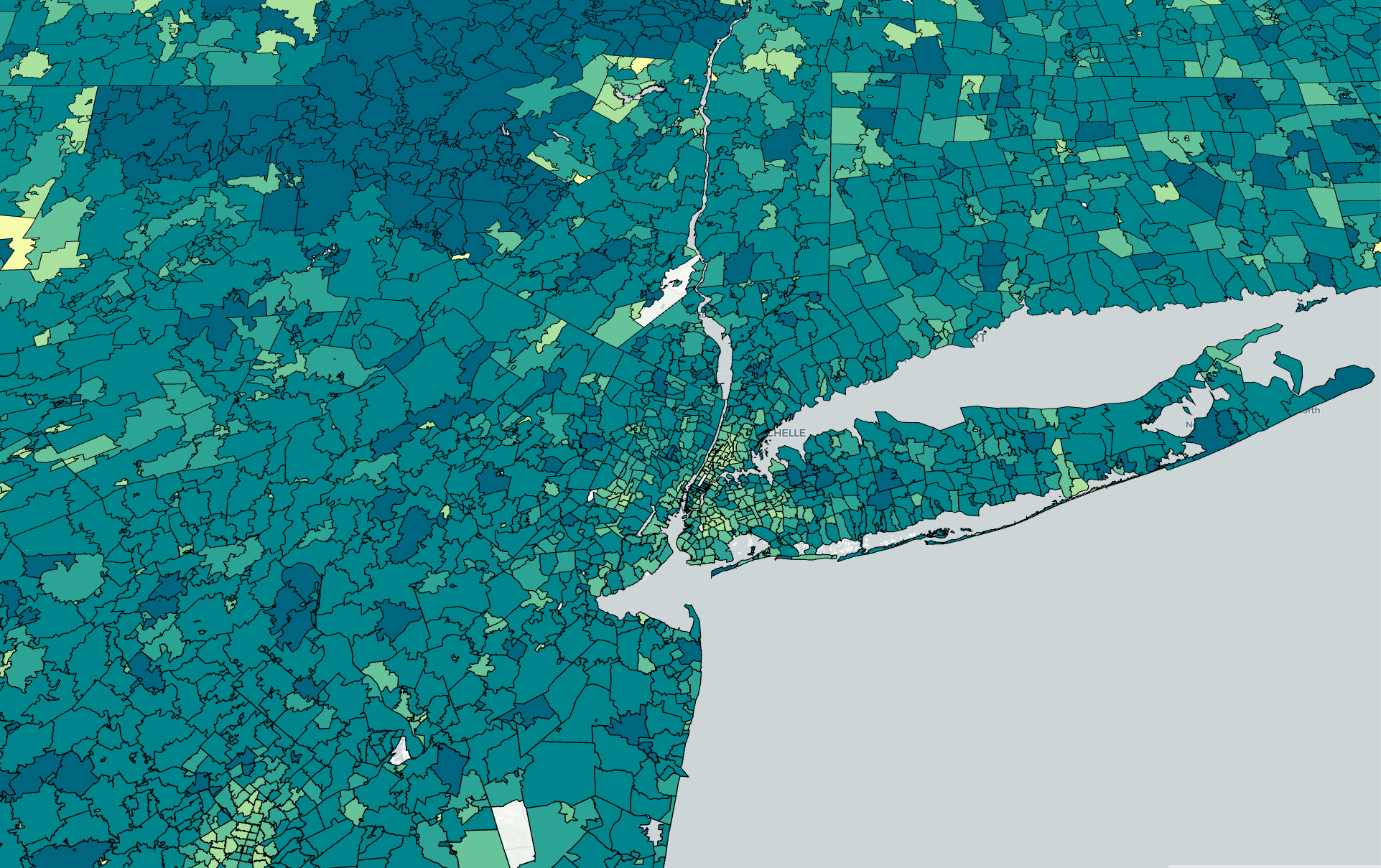
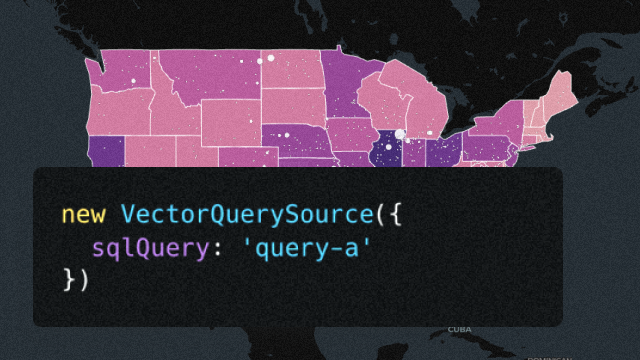
<table data-card-size="large" data-view="cards"><thead><tr><th></th><th></th><th></th><th data-hidden data-card-target data-type="content-ref"></th><th data-hidden data-card-cover data-type="files"></th></tr></thead><tbody><tr><td><strong>Build a public application</strong></td><td>Using CARTO to quickly build a simple and performant geospatial application that everyone in the internet can access</td><td></td><td><a href="/pages/34FdmhCFM8q4NrXHgGUb">/pages/34FdmhCFM8q4NrXHgGUb</a></td><td><a href="/files/HFK6kMoooTVifcZw124s">/files/HFK6kMoooTVifcZw124s</a></td></tr><tr><td><strong>Build a private application</strong></td><td>Design and develop an application that only users in your CARTO organization will be able to access, after they log in</td><td></td><td><a href="/pages/7F4Tiz7fB7BvG8RB661L">/pages/7F4Tiz7fB7BvG8RB661L</a></td><td><a href="/files/60GvFyDosiqU1fTp1R00">/files/60GvFyDosiqU1fTp1R00</a></td></tr><tr><td><strong>Build a private application using SSO</strong></td><td>Leverage an external identity provider setup in CARTO to authenticate new and existing users in your private application</td><td></td><td></td><td><a href="/files/LCMQ1xNAzqHVL1mdJZPq">/files/LCMQ1xNAzqHVL1mdJZPq</a></td></tr><tr><td><strong>Visualize massive datasets</strong></td><td>Learn how to visualize massive geospatial datasets in a performance and cost-effective way (up to billions of rows)</td><td></td><td><a href="/pages/L1PzcA9NybeRphW8b1OO">/pages/L1PzcA9NybeRphW8b1OO</a></td><td></td></tr><tr><td><strong>Integrate CARTO into your existing application</strong></td><td>Learn how to securely embed CARTO into your existing architecture providing fine-grained data access</td><td></td><td><a href="/pages/p7GxYTrfpfsERBkyen7w">/pages/p7GxYTrfpfsERBkyen7w</a></td><td><a href="/files/AVN5Kk3LCS5DgD5jhbWW">/files/AVN5Kk3LCS5DgD5jhbWW</a></td></tr><tr><td><strong>Use Boundaries in your application</strong></td><td>Create rapid aggregation of large data volumes within common or custom geographic boundaries such as zip codes</td><td></td><td><a href="/pages/gH6FloYhvARW37bGw5kT">/pages/gH6FloYhvARW37bGw5kT</a></td><td><a href="/files/4qxLvj6YwjeIQVUW88QT">/files/4qxLvj6YwjeIQVUW88QT</a></td></tr><tr><td><strong>Avoid exposing SQL queries with Named Sources</strong></td><td>With Named Sources, you can ensure your application does not expose the SQL used, maximizing compliance in some setups</td><td></td><td><a href="/pages/6NgIYzU7DGXYk3N81sMy">/pages/6NgIYzU7DGXYk3N81sMy</a></td><td><a href="/files/mUHpahsyyPtPG3VeifCT">/files/mUHpahsyyPtPG3VeifCT</a></td></tr><tr><td><strong>Managing cache in your CARTO applications</strong></td><td>This guide covers how developers can adjust and manage the cache in their CARTO applications</td><td></td><td><a href="/pages/1A0VYJwgPEycVBSPOdAN">/pages/1A0VYJwgPEycVBSPOdAN</a></td><td><a href="/files/7TmyCGam1rv7tV6WxKVI">/files/7TmyCGam1rv7tV6WxKVI</a></td></tr><tr><td><strong>Build an AI-powered map application</strong></td><td>Add natural language map interaction to your CARTO + deck.gl application using AI-powered tool calling</td><td></td><td><a href="/pages/iEcTdpDrk3mbFGL4YBnW">/pages/iEcTdpDrk3mbFGL4YBnW</a></td><td></td></tr></tbody></table>


---

# Agent Instructions: Querying This Documentation

If you need additional information that is not directly available in this page, you can query the documentation dynamically by asking a question.

Perform an HTTP GET request on the current page URL with the `ask` query parameter:

```
GET https://docs.carto.com/carto-for-developers/guides.md?ask=<question>
```

The question should be specific, self-contained, and written in natural language.
The response will contain a direct answer to the question and relevant excerpts and sources from the documentation.

Use this mechanism when the answer is not explicitly present in the current page, you need clarification or additional context, or you want to retrieve related documentation sections.