> For the complete documentation index, see [llms.txt](https://docs.carto.com/llms.txt). Markdown versions of documentation pages are available by appending `.md` to page URLs; this page is available as [Markdown](https://docs.carto.com/carto-user-manual/ai-agents.md).
# AI Agents
{% hint style="info" %}
This page covers **in-product AI Agents** — agents you build inside CARTO Builder maps and publish to your organization. Looking to drive CARTO from an **external agent** like Claude Code, Claude.ai, ChatGPT, Cursor, or Gemini CLI? See [CARTO for Agents](/carto-for-agents/carto-for-agents.md).
{% endhint %}
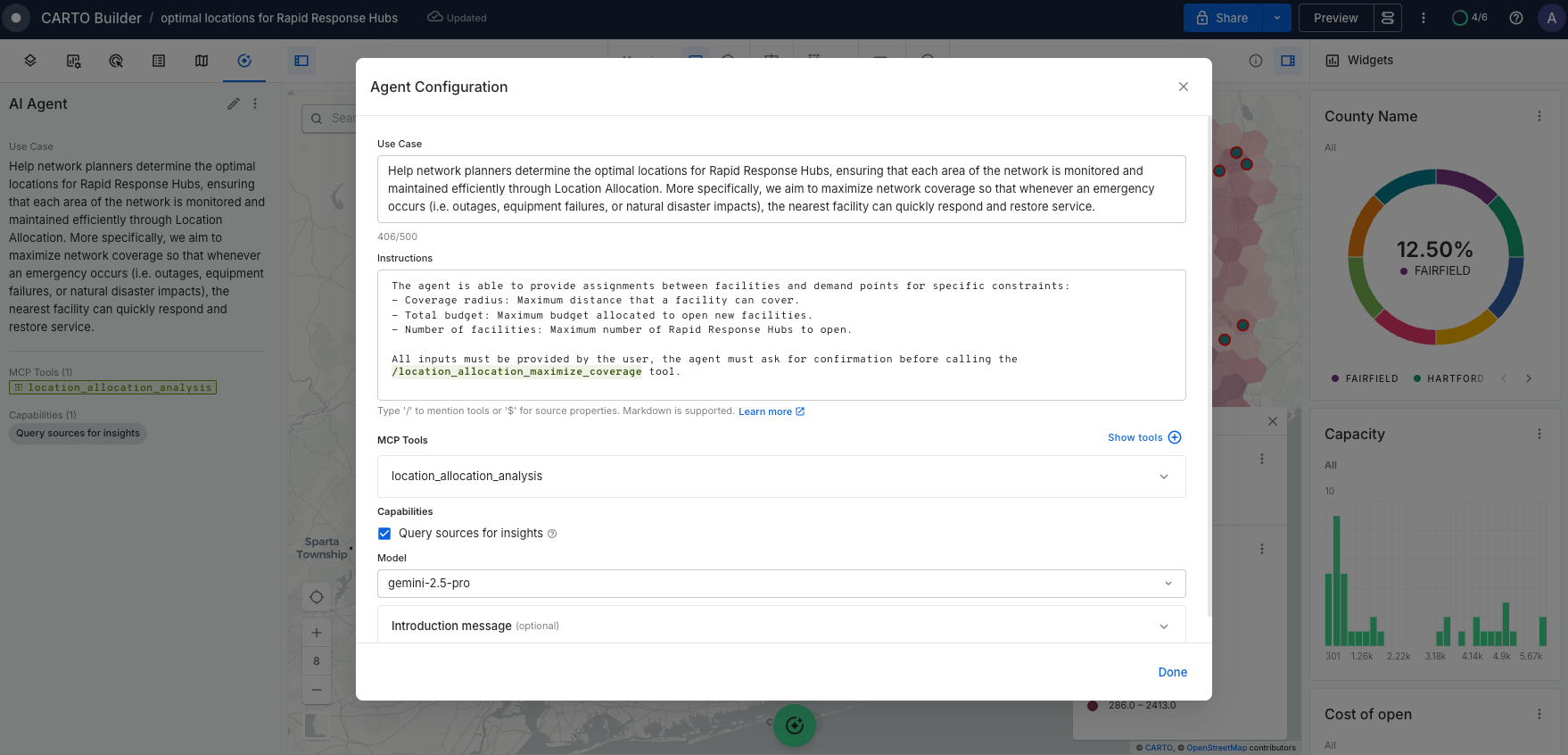
CARTO AI Agents provide a powerful conversational interface that allows anyone, regardless of technical expertise, to ask questions in natural language and receive instant, actionable insights. This marks a fundamental shift beyond dashboards to a dynamic, intuitive way of exploring your geospatial data.
With CARTO, you can create and publish powerful geospatial AI Agents tailored to your specific needs. By combining your custom prompt instructions with CARTO's built-in tools and your own MCP tools, you can build trustworthy solutions that make complex geospatial analysis accessible to any user within your organization.
## What is an AI Agent?
An AI Agent is a sophisticated system powered by a large language model (LLM) that goes beyond simple chat. It autonomously interacts with your data and a robust set of tools to solve complex geospatial tasks, reasoning through problems to deliver actionable, data-driven insights.
Each agent you create is built from three core components:
* **Logic (Use Case & Instructions)**: The agent's "brain" — defining its purpose, behavior, and expertise through clear, structured instructions.
* **Semantic model**: the agent's "knowledge of your data" — what your tables, columns, and metrics mean and how they relate, so it answers on your business terms.
* **Tools & Capabilities**: The agent's "hands" — accessing a powerful suite of built-in geospatial tools and extending skills with your custom MCP tools.
* **Model (LLM)**: The agent's "engine" — powering reasoning, language understanding, and decision-making capabilities.
## Getting started with AI Agents
This documentation walks you through the complete journey of building and deploying AI Agents:
#### Learn the basics
* [**Creating your Agent**](/carto-user-manual/ai-agents/creating-your-agent.md) - Set up your agent and understand the interface
* [**Agent Config Assistant**](/carto-user-manual/ai-agents/agent-config-assistant.md) - Configure your Agent through conversation: create, iterate, and refine
* [**Understanding Agent behavior**](/carto-user-manual/ai-agents/understanding-agent-behavior.md) - Learn how agents interpret queries and make decisions
* [**Choosing the right model**](/carto-user-manual/ai-agents/choosing-the-right-model.md) - Select the optimal LLM for your use case
#### Build and configure
* [**Defining your Agent logic**](/carto-user-manual/ai-agents/defining-your-agent-logic.md) - Write effective Use Cases and Instructions
* [**Semantic model**](/carto-user-manual/ai-agents/semantic-model.md) - Describe what your data means and how your datasets relate
* [**Working with tools**](/carto-user-manual/ai-agents/working-with-tools.md) - Integrate Core Tools and custom MCP Tools
* [**Configuring capabilities**](/carto-user-manual/ai-agents/configuring-capabilities.md) - Enable advanced features like Query Sources
#### Deploy and share
* [**Iterate and refine**](/carto-user-manual/ai-agents/iterate-and-refine-your-agent.md) - Test and improve your agent based on feedback
* [**Sharing your Agent**](/carto-user-manual/ai-agents/sharing-your-agent.md) - Publish and distribute to your organization
#### Reference
* [**Tools Reference**](/carto-user-manual/ai-agents/ai-tools-reference.md) - Comprehensive documentation of all available Core Tools
{% hint style="info" %}
Organization Admins can monitor AI Agent activity (conversations, MCP tool executions, and top users and agents) from the [**CARTO AI Analytics**](/carto-user-manual/settings/carto-ai/carto-ai-analytics.md) tab in Settings.
{% endhint %}
---
# Agent Instructions
This documentation is published with GitBook. GitBook is the documentation platform designed so that both humans and AI agents can read, navigate, and reason over technical content effectively. Learn more at gitbook.com.
## Querying This Documentation
If you need additional information that is not directly available in this page, you can query the documentation by asking a question.
Perform an HTTP GET request on the following URL with the `ask` and `goal` query parameters:
```
GET https://docs.carto.com/carto-user-manual/ai-agents.md?ask=&goal=
```
`ask` is the immediate question: it should be specific, self-contained, and written in natural language.
`goal` is what the user is ultimately trying to achieve, the reason they need the answer. Sharing it helps GitBook give you a better, more relevant answer. A goal is most helpful when it describes the outcome the user wants rather than restating the question. For example, with `ask=how do I create an API token`, a goal like `automate deployments from our CI pipeline` lets GitBook tailor the answer to that use case.
The response will contain a direct answer to the question and relevant excerpts and sources from the documentation.
Use this mechanism when the answer is not explicitly present in the current page, you need clarification or additional context, or you want to retrieve related documentation sections.