
| Capability | What the agent can do |
|---|---|
| Explore data | List connections, browse and search warehouse tables, inspect column distributions, and locate named sources and saved maps. |
| Create & edit maps | Build a Builder map from a table or SQL query, restyle layers, add widgets and popups, set privacy, and open the result — reading and updating existing maps in place. |
| Build & run workflows | Author an analytical workflow (filter, spatial join, group-by, enrich), validate it, run it in sync or async mode, and schedule it. |
| Query & analyze | Run spatial SQL, geocode addresses, compute isolines and routes, and enrich with the Data Observatory. |
| Import & export | Bring geospatial files into the warehouse, export results back out, and move data between connections. |
| Manage your workspace | Work with connections, credentials, named sources, and projects — and, for admins, users, org settings, and activity data. |
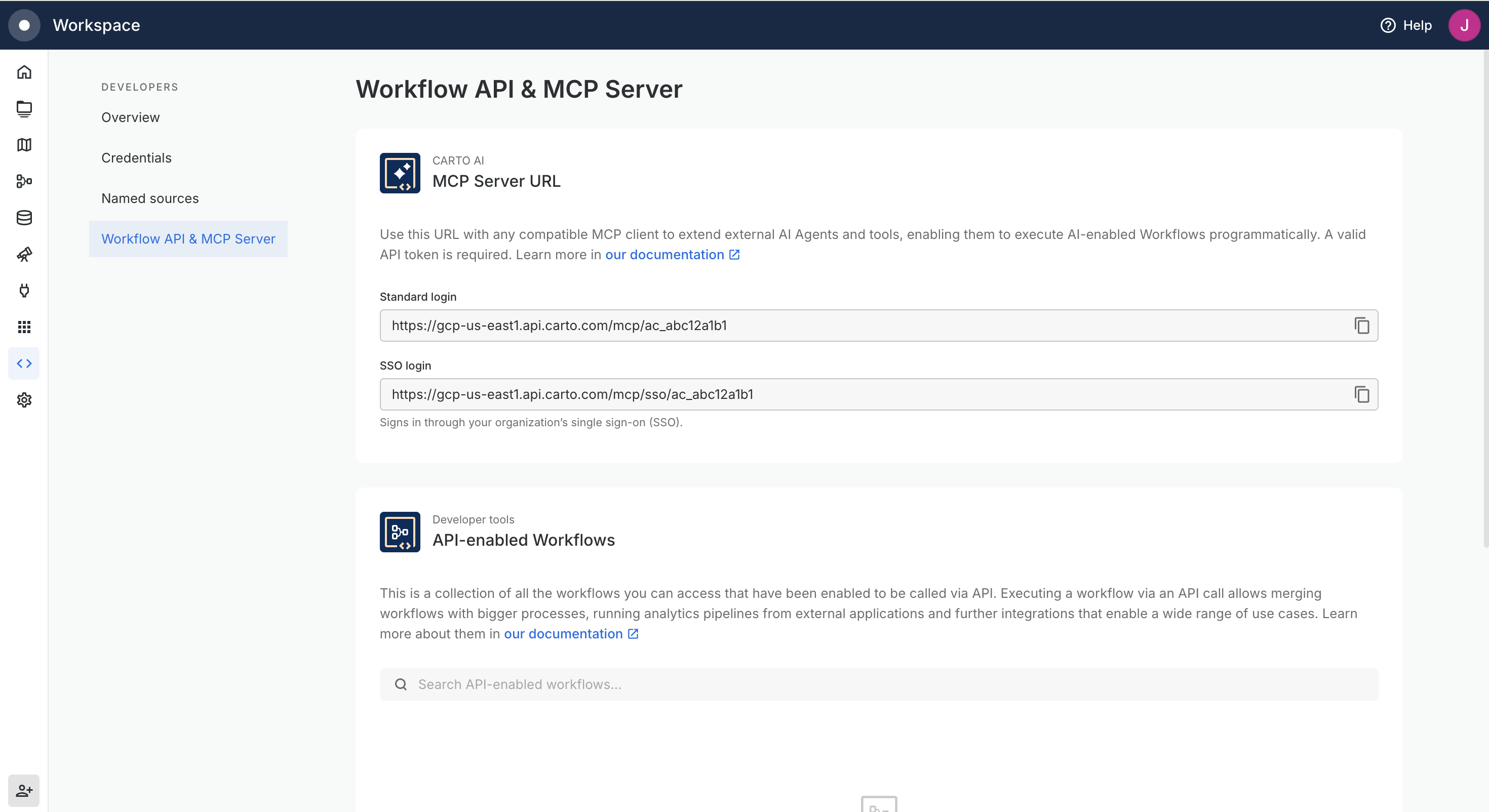
| Method | Best for | What the agent gets |
|---|---|---|
| OAuth (U2M) | Interactive clients — Claude, ChatGPT, Gemini, Copilot, Snowflake, Databricks | The tools your role allows: for Editors and Admins that includes creating and editing maps and authoring workflows; admin tools appear for Admins. Each person signs in as themselves. See which tools each role sees. |
| OAuth (M2M) | Unattended, service-to-service access | The full surface, with no interactive login, via an M2M OAuth client. |
| API Access Token | Quick read-and-discovery setups, and hosts that only accept a static token (Oracle) | A read-and-discovery subset that depends on the token's Allowed APIs — browse data, run SQL, poll (not start) Workflow runs, search the Data Observatory. No map or Workflow authoring, no admin. |
| Category | What it covers |
|---|---|
| Maps tools | Create, update, validate, read, and render Builder maps. |
| Workflow tools | Create, run, schedule, and inspect Workflows, plus any your team publishes as MCP tools. |
| Data tools | Explore connections and tables, run SQL, geocode, route, import/export, and enrich with the Data Observatory. |
| Workspace tools | Manage users, credentials, projects, and activity data. |